Choose your deck
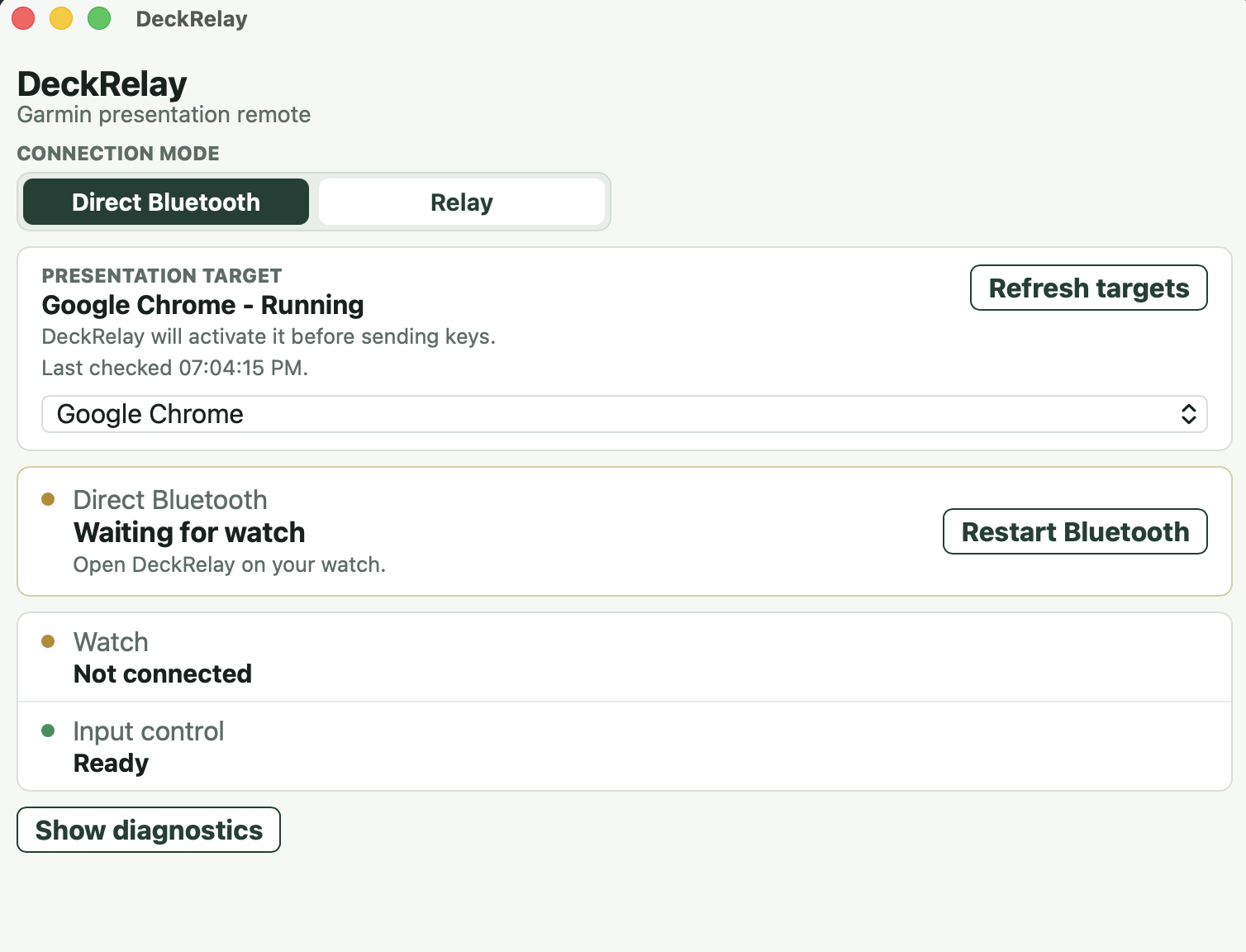
Select a presentation app or let DeckRelay find the supported deck already open.
 DeckRelay
Download
DeckRelay
Download
Garmin presentation remote
DeckRelay turns the physical buttons on your Garmin watch into a presentation remote for your Mac, with timing and command feedback visible on your wrist.
Choose a presentation target on your Mac
Simple by design
The Mac app handles presentation targeting and connection; the watch keeps the controls close.
Select a presentation app or let DeckRelay find the supported deck already open.
Stay local with Direct Bluetooth, or pair through Relay with a short-lived six-digit code.
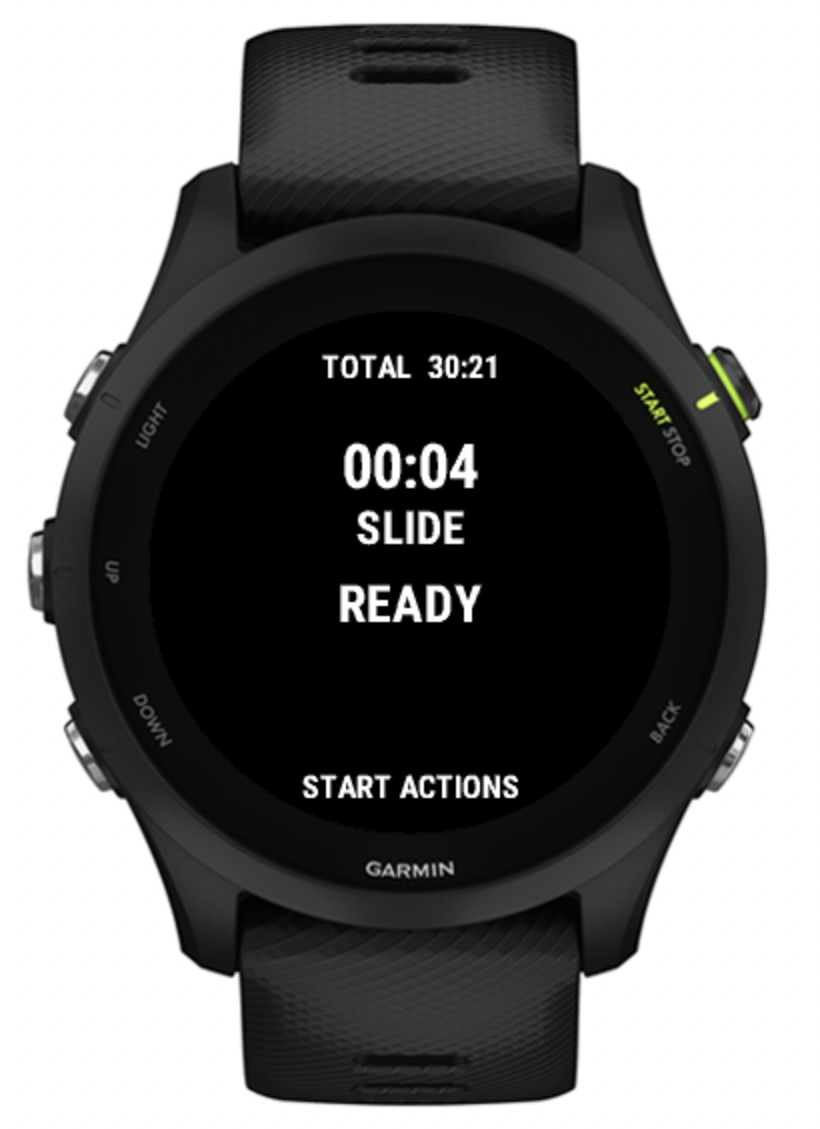
Use physical buttons for next and previous, with quick actions for the timer, black screen and ending the presentation.
Made for a glance
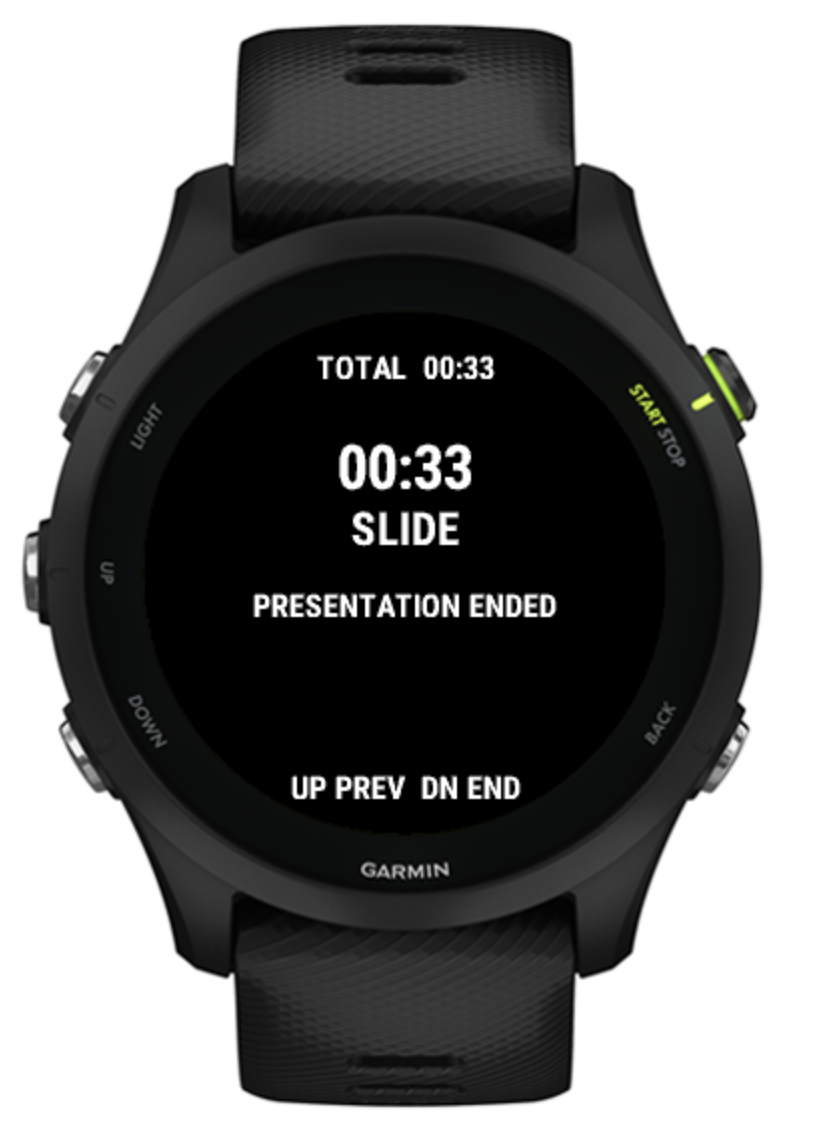
See total presentation time, time on the current slide and command status without breaking eye contact with the room.
Flexible connection
Use Direct Bluetooth when the watch is nearby, or Relay when an internet connection better suits your setup.
Use the nearby Bluetooth path for a simple local presentation setup.
Connect the watch through DeckRelay’s HTTPS and WebSocket path when Relay suits your setup.
Presentation aware
DeckRelay shows whether a command was dispatched or failed, detects the end of supported presentations, and keeps recovery actions close at hand.
DeckRelay for macOS + Garmin
The Mac handles the deck. Your Garmin handles the controls.
macOS 11 or newer · Apple Silicon and Intel · Garmin watch app required
Install in three steps